1

Hole io

Hole.io 2

Paper io 2

Holey.io Battle Royale

Baseball Bros IO

Slither IO

Eaglercraft

Veck IO

1v1.lol

Hole Fire

Rob Brainrot 2

Slide Down

Bat Smash
Skribbl io

Agar IO
Doodlr.io is a fast-paced multiplayer drawing-and-guessing game that feels a lot like classic Pictionary, but played in real time with people from all over the world. Every match throws you into a random lobby where you either take turns drawing a word or trying to guess what someone else is sketching. The pressure builds quickly—if you guess correctly early, you earn more points, so it’s not just about being right, but being fast and paying attention.
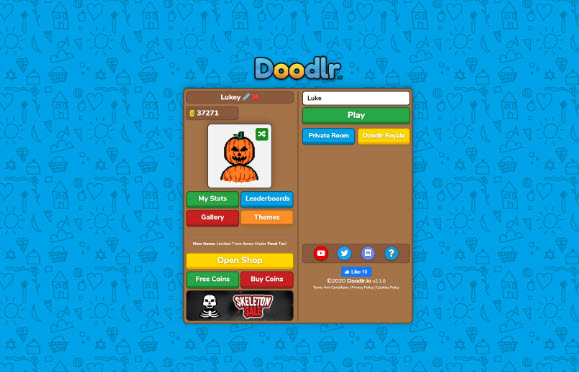
When it’s your turn to draw, you really feel the pressure in a fun way. You’ve got to rely on your imagination and whatever drawing skills you have to get the idea across without using any letters or numbers. Some words are surprisingly easy, but others make you pause for a second like, “How am I even supposed to draw this?” When I was guessing, it honestly turned into a bit of a race—watching the sketch slowly take shape while trying to be the first one to figure it out before everyone else.
At the end of each game, your performance gets turned into points, which then convert into XP and Coins if you have an account. It’s a simple system, but it actually makes the game more motivating. You start caring a bit more about how well you draw or how quickly you guess, because those rewards let you unlock and buy fun cosmetic items in the shop.
Draw on the canvas with the mouse.
Draw lines with a left-click and drag.
Use the mouse wheel or UI buttons to adjust the brush size (if available).
Click the color palette to select colors.
Click the eraser tool to remove portions of your drawing.
Press the "Clear" button to clean the entire canvas.
Enter your guess in the chat box using the keyboard.
Enter the key to submit your guess. Click the chat box to start typing.
Select menus, items, and UI buttons using a mouse click.
Switch between the chat and gaming interface with the tab or mouse (depending on the version).